Your AI copilotfor every meeting.
Bring your notes, screenshots, and live conversation into one AI workspace. Add project context to a profile, ask a question, and leave the call with a recap.
Работи със Zoom, Google Meet, Microsoft Teams — и с всичко останало на екрана ви. Нито един бот не се включва в разговора.
Shared usage across our products, including GeekBye and Pavleur. Includes free and paid accounts.
500500 +часа разговори700700 +потребители
към 3 септември 2026 г.

 YouENYouENYouEN
Illustrative interface — sample content, not a recorded customer call.
From project notes to a better conversation
Choose the context you want Pavleur to use. Automatic Obsidian vault sync and GitHub repository connections are not available in the public release.
1. Bring the relevant notes
Manually attach an exported Obsidian Markdown note, a text file, PDF, or Word document to a profile. Select that profile before the call.
2. Add what is on your screen
Capture a screenshot when a slide, product screen, or question needs context. Choose what to send to the AI.
3. Ask while the conversation is fresh
Use the live transcript and your selected profile to ask for an explanation, a response draft, or a recap. Review the answer before using it.
Screen video: limited access
Screen video recording is currently available to admin accounts only. It is not a standard Free or Pro entitlement.
Support for multilingual conversations
Choose an available transcription language in the app. Language options depend on your plan and transcription service.
Accuracy varies with the language, microphone, background noise, and speakers. Review important names, numbers, and commitments.
Local storage, with online AI processing
Profiles and transcripts are stored on your computer. Audio, selected screenshots, prompts, and relevant profile context are sent to our backend and AI providers when you use those features.
Local files
The desktop app stores your profiles and transcripts locally. Admin video recordings can also be uploaded to a Google Drive folder you connect.
No sale of customer data
We don't sell customer data. We don't share it with advertisers. Our business model is the subscription you pay — nothing else.
Never used to train our models
We never use your recordings, transcripts, or screenshots to train our own models.
Review what you share
Choose the profile and screenshots you use for AI requests. Local storage does not mean offline processing; transcription and AI assistance require a connection.
Your conversation. Your controls.
Content protection helps keep the overlay out of screen sharing. Behavior depends on the operating system and capture method; test your setup before sharing.
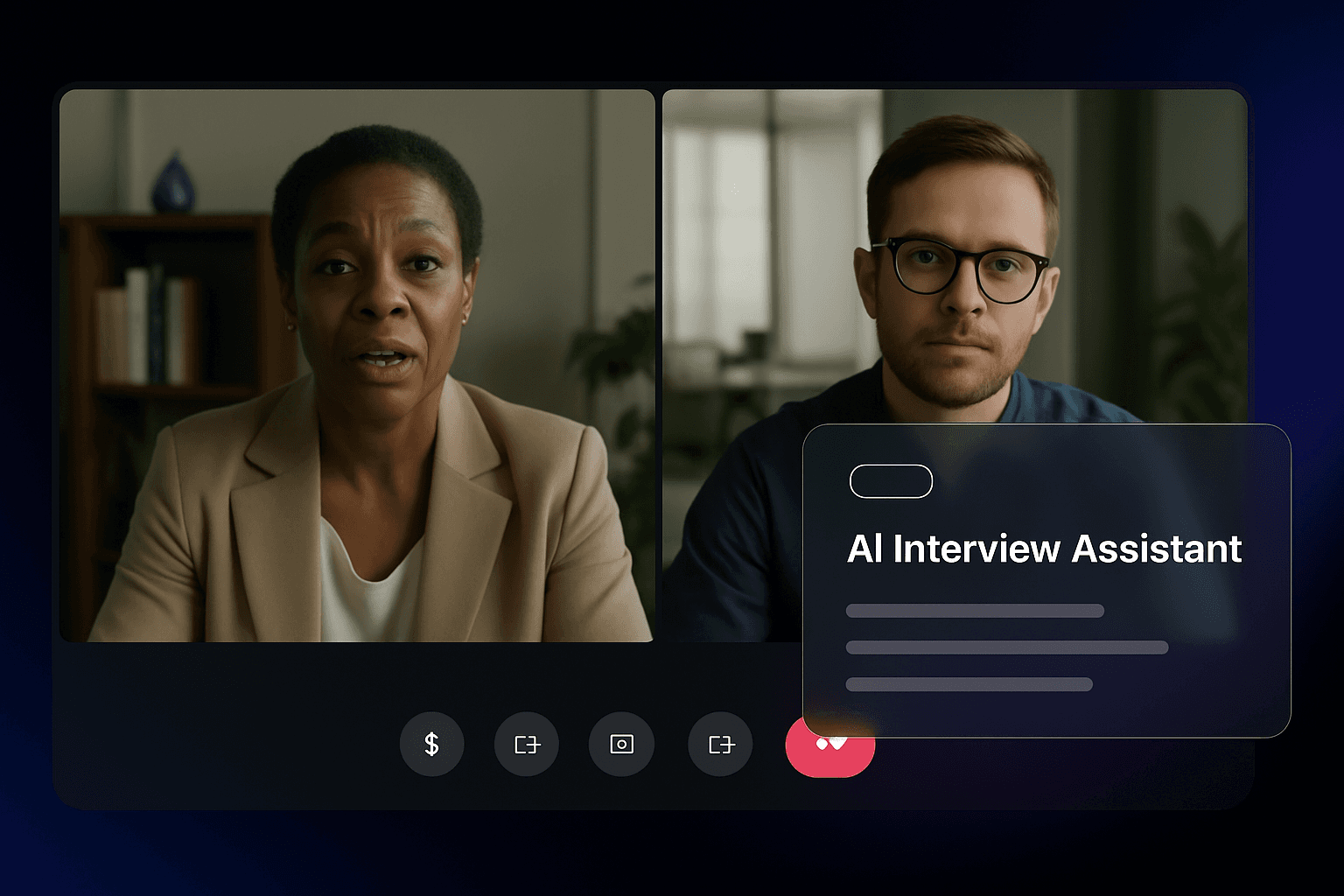
Always at hand
A translucent overlay you can glance at without breaking eye contact. Hide it with ⌘ B (Ctrl+B on Windows); bring it back with the same shortcut. Pavleur is a quiet helper, not a wall in the middle of the call.
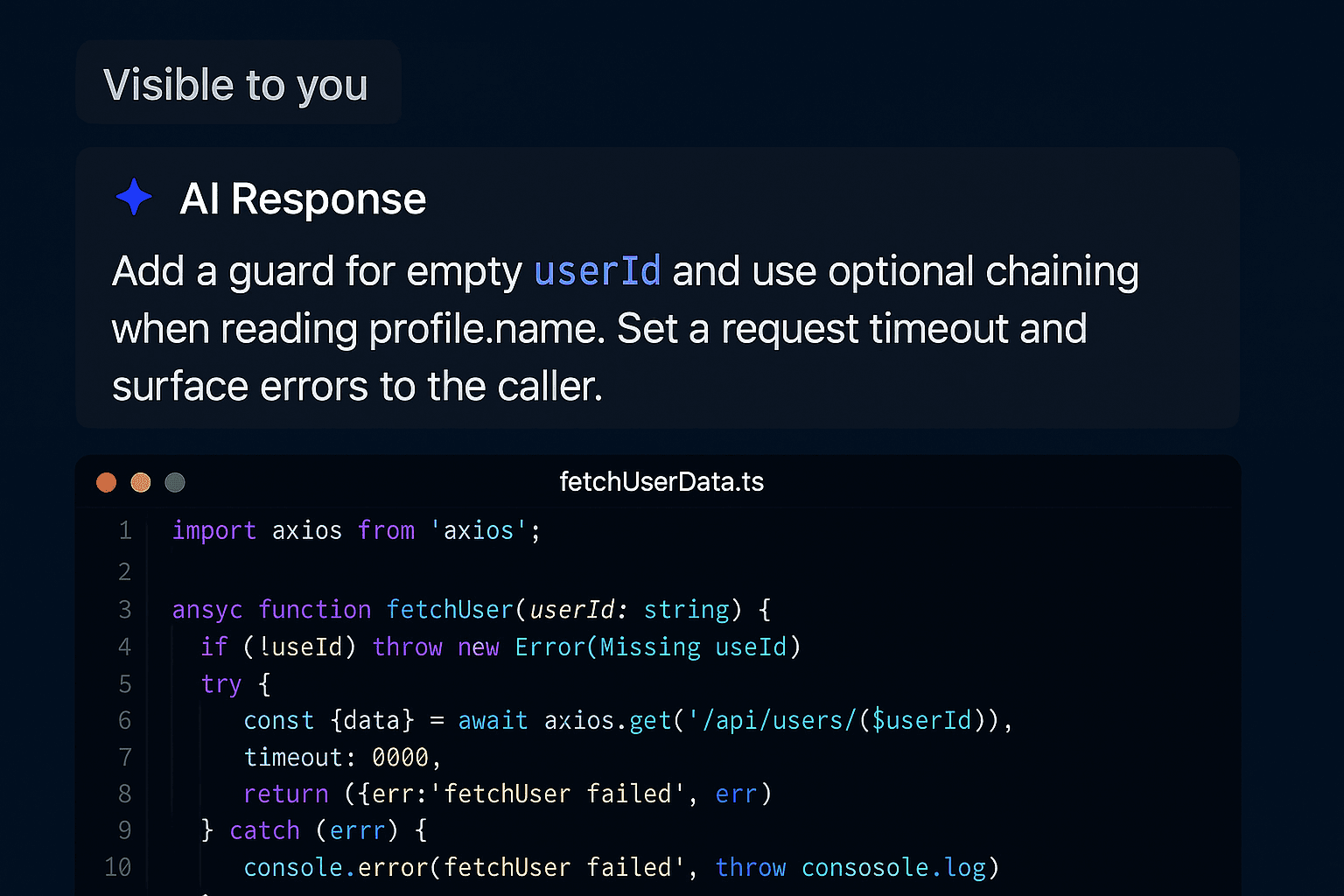
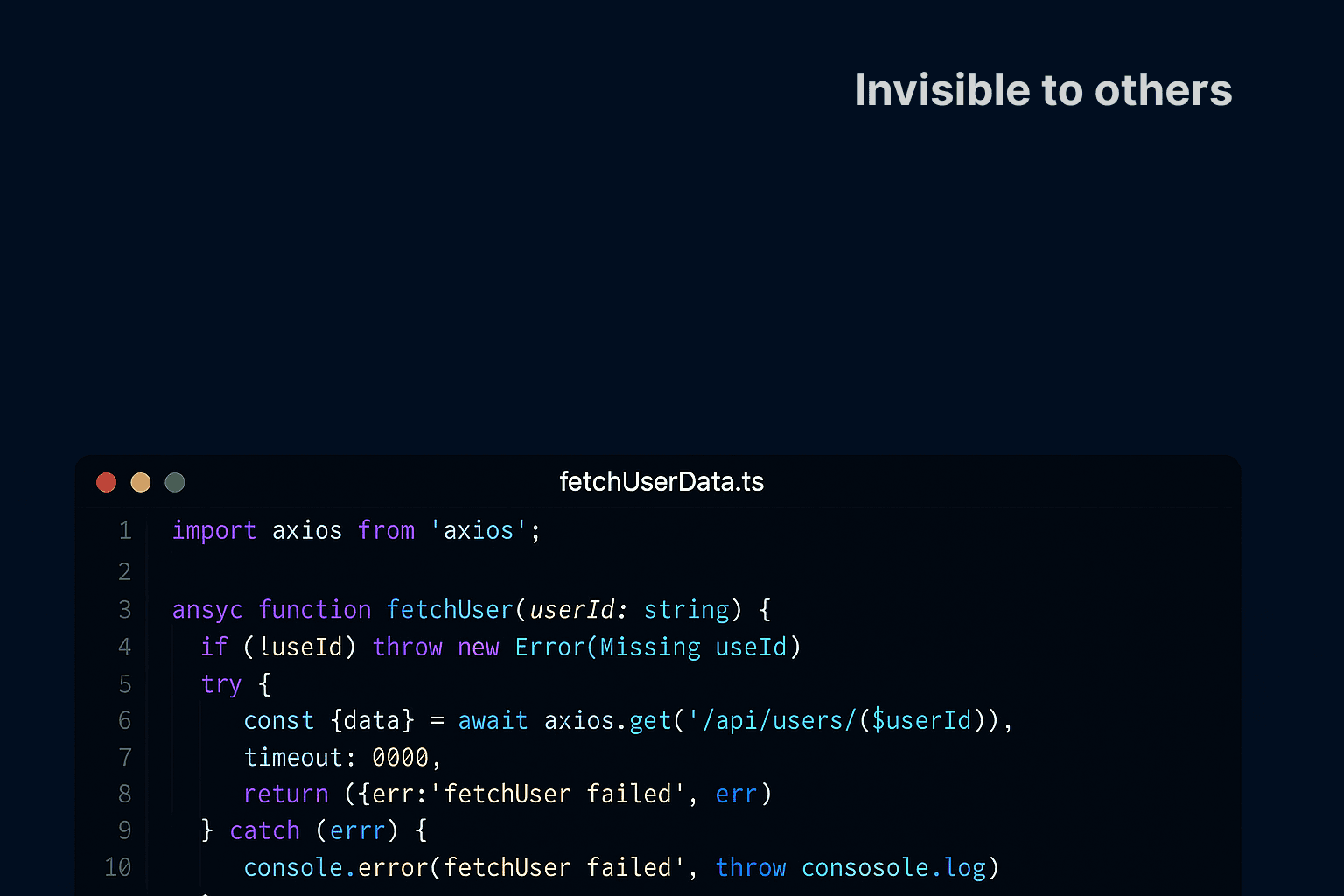
Out of your screen-share
Content protection helps keep the overlay out of screen sharing. Behavior depends on the operating system and capture method; test your setup before sharing.
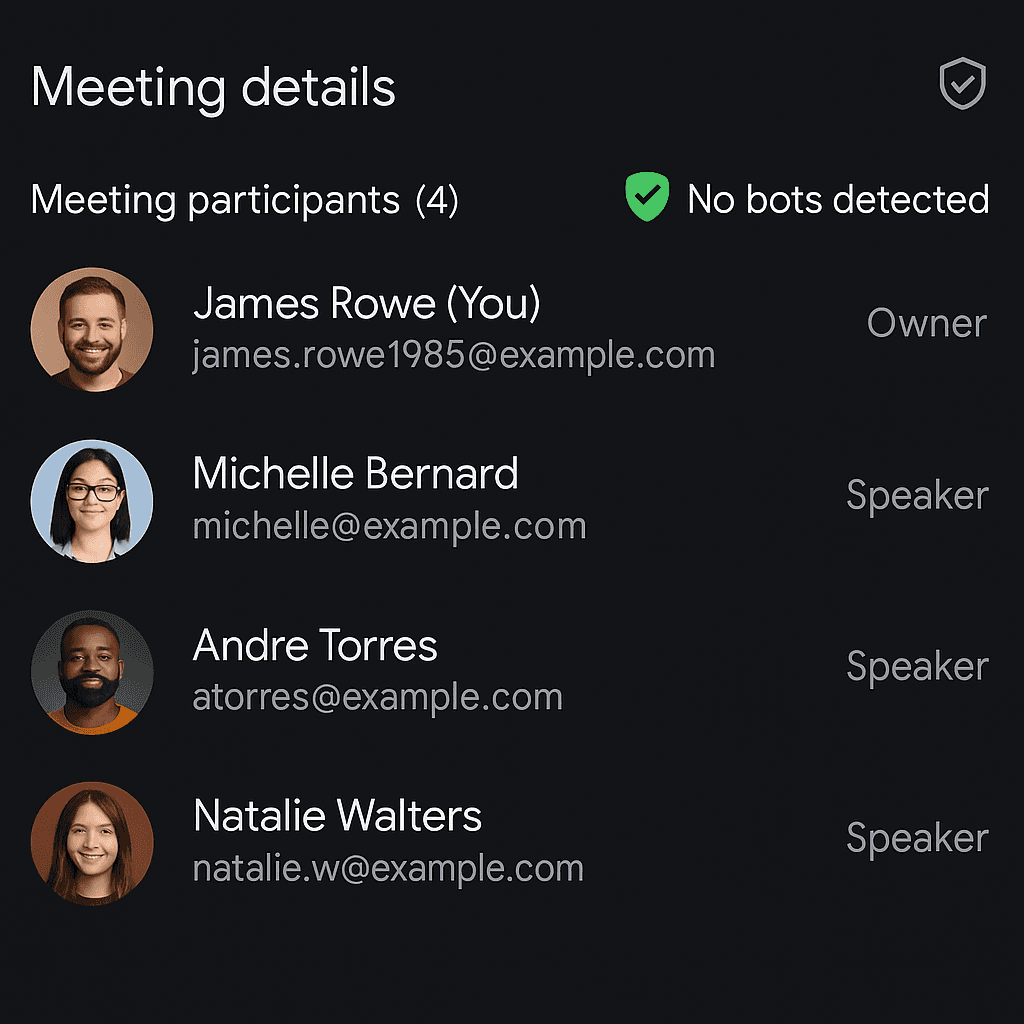
No bot in the meeting
Pavleur runs locally on your computer. It never joins the call as a participant — no Pavleur entry in attendee lists, no extra guest, no trace on the customer's side.
Start

for
for
free.
Start with live transcription, screenshots, and profile context. Check the limits shown in the app before a call.
- Криптиране с AES-256
- Local files
- Никога не се използва за обучение на нашите модели
Free
Try the desktop workflow. No credit card.
- Live transcription and screenshot questions
- Selected notes and documents in a profile
- Usage limits shown in the app
- English transcription
- AI recaps to review after a call
Pro
AI assistance and transcription for your regular calls, within your plan limits.
Everything in Free, plus:
- Live transcription and AI conversation assistance
- Additional transcription language options
- AI-generated decisions and action items
- Manually attached profile notes and documents
- Review saved transcripts
- Screen video remains admin-only
Pro Lifetime
Lifetime access to everything in Pro.
Everything in Pro, plus:
- Pay once, use forever
- All future Pro features included
- Founding-customer Slack channel
This is a monthly subscription — you will be charged every month.
All payments are final and non-refundable due to AI processing costs. Terms of Service
Questions about Pavleur
Everything you need to know about using Pavleur in your day-to-day